The product follows the learner’s current question
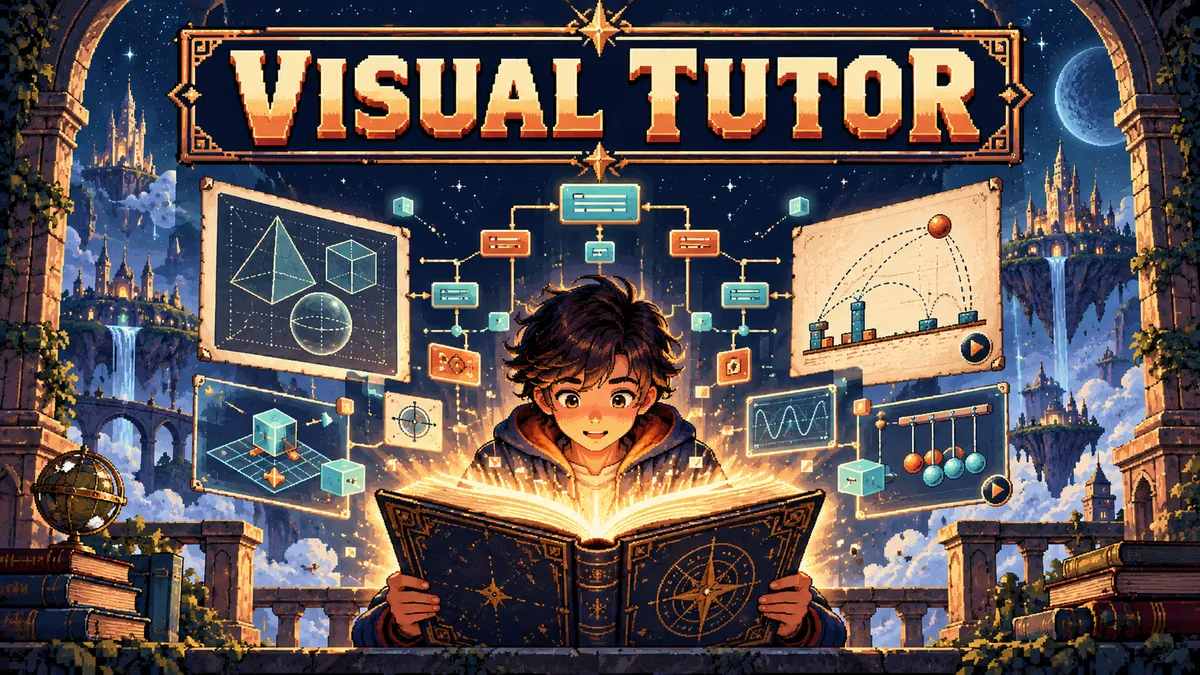
Visual Tutor starts with a topic and builds an interactive concept map. Each concept can open a purpose-built visualization, while Tanya, the AI tutor, can respond with the learner’s current node in context. This lets someone move between an overview, a concrete visual and a follow-up question without losing the thread.
The important design choice is that the model does not have to generate a complete web page for every topic. Free-form HTML can be slow, inconsistent and risky to render. The project instead gives the model a set of visual tools with known behavior.
A widget library constrains the output
The model chooses from widgets such as function graphs, number lines, process flows, comparison tables, labeled diagrams, data charts and flash-concept stacks. It returns structured parameters, and Zod schemas validate the shape before the renderer uses it. A sandboxed custom HTML widget remains a fallback for cases the library does not cover.
This is a practical example of constraining generative output. The model contributes topic selection and content, while hand-built React components own layout, interaction and rendering behavior. That division makes the output more predictable and easier to test than arbitrary generated markup.
Learning progress is stored as small local signals
Many visualizations include a micro-check that asks a learner to apply the idea. The app records node-level states such as not started, explored and checked in localStorage, scoped to the topic and level. A learner can return to a topic on the same browser and pick up where they left off without creating an account.
That signal is deliberately narrow. It indicates that a learner opened or answered a check, not that the person has mastered a subject. Better learning support depends on asking useful questions and letting people revisit the concept, rather than turning one interaction into a sweeping score.
A small AI application still needs a real security boundary
The frontend sends requests to serverless API routes, which proxy calls to Groq or Gemini. API keys stay on the server rather than being shipped in browser JavaScript. The routes validate generated data before it reaches the visualization layer.
This architecture does not make model output correct by itself. It gives the app a place to validate shape, handle provider errors and keep secrets out of the public bundle. The next quality question is whether each visual helps the learner reason, not just whether it renders.
INSPECT THE IMPLEMENTATION
Read the code and project notes
The details above describe the public repository and project status as reviewed for this portfolio. Follow the source to inspect the implementation, setup instructions and current limitations.
Visual Tutor source and widget schemas